
The Complete Guide to AI Captions: 108 Languages, Zero Manual Work
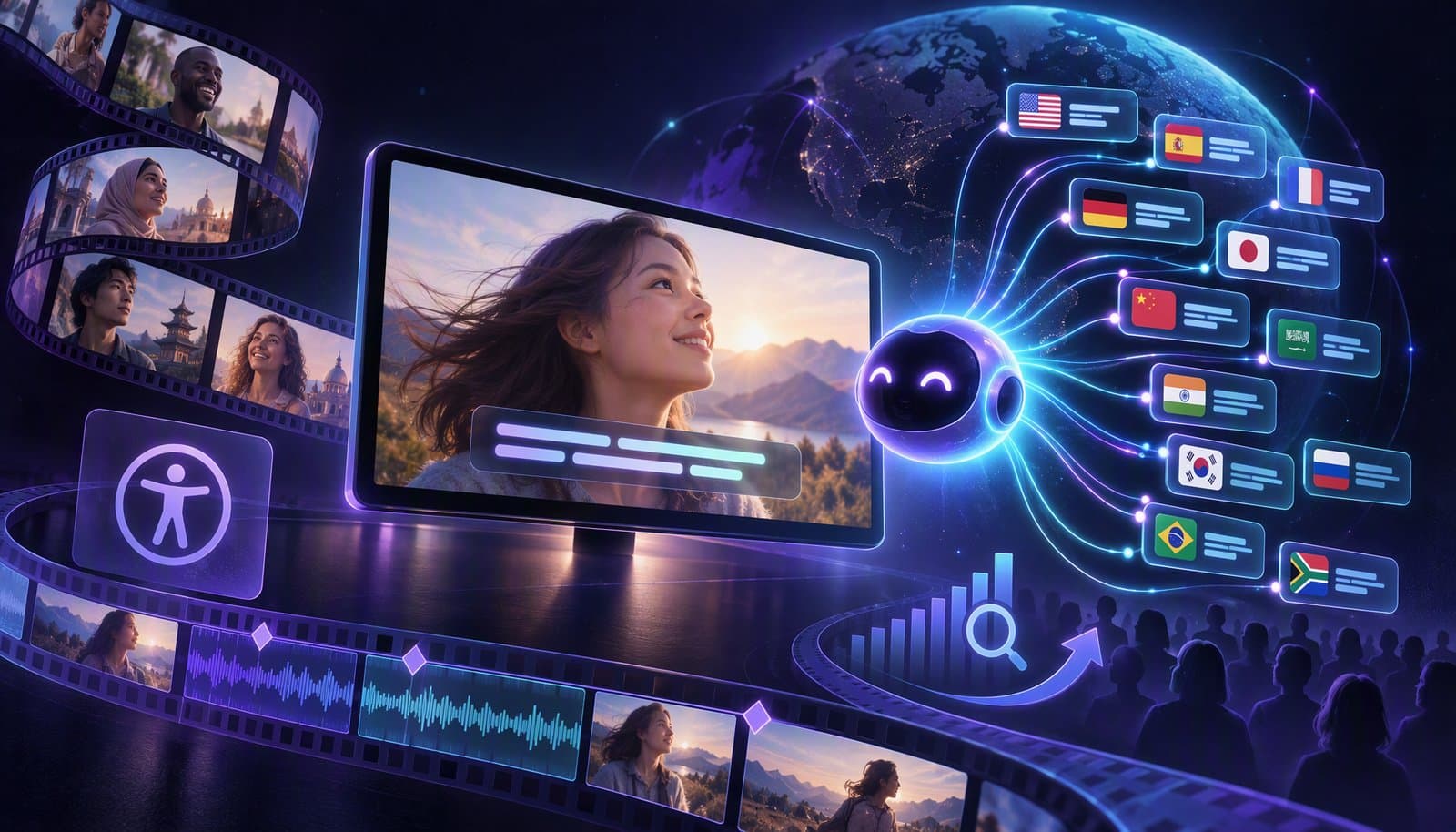
Captions are no longer optional. They're the single highest-ROI addition you can make to any video — boosting accessibility, engagement, watch time, and discoverability in one stroke. Yet for most creators, captioning remains a tedious, manual chore: export audio, upload to a transcription service, wait, download an SRT file, import it back, fix timing errors, style each line, and pray nothing drifts out of sync during export.
What if captions just appeared — accurately, beautifully, in any language — the moment you uploaded your video?
That's exactly what Loopdesk delivers. In this guide, we'll cover everything you need to know about AI-powered captions in 2026: why they matter, how they work, and how to use Loopdesk to caption your videos in 108 languages with zero manual effort.
Why Captions Matter More Than Ever
85% of Social Media Video Is Watched on Mute
This stat from Facebook's internal research has been cited for years — and it's only become more true. Whether viewers are scrolling in a crowded subway, browsing at their desk during a meeting, or watching in bed next to a sleeping partner, sound-off is the default. Without captions, your content is invisible to the majority of your audience.
Captions Boost Engagement by 30–80%
Multiple studies show that captioned videos receive significantly higher engagement:
- 80% more likely to be watched to completion (PLYMedia)
- 40% more views on average (Facebook internal data)
- 25% higher share rate (3Play Media)
The mechanism is straightforward: captions keep viewers anchored to your content. When someone can read along, they're less likely to scroll past, even in a noisy feed.
Accessibility Is a Legal and Moral Imperative
Over 430 million people worldwide have disabling hearing loss (WHO). In many jurisdictions — including the US (ADA), EU (European Accessibility Act), and UK (Equality Act) — providing accessible media content isn't just good practice; it's a legal requirement.
Captions make your content accessible to deaf and hard-of-hearing viewers, non-native speakers, people in noise-sensitive environments, and anyone who processes written information more effectively than spoken.
Platform Algorithms Favor Captioned Content
YouTube, TikTok, and Instagram all index caption text for search and recommendation. Captions effectively turn your video into a text-searchable document, dramatically expanding its discoverability:
- YouTube uses caption data for search ranking and suggested videos
- TikTok's algorithm considers on-screen text and captions for content categorization
- Instagram indexes caption text for Explore page recommendations
- Google includes video caption content in web search results
Uncaptioned video is unfindable video.
SEO and GEO Advantages
Beyond platform-specific algorithms, captions contribute to broader SEO (Search Engine Optimization) and GEO (Generative Engine Optimization). When AI models like ChatGPT, Perplexity, or Google's AI Overviews answer questions about your niche, they draw on indexed text content — including captions. More captioned, indexed content means more surface area for AI models to discover and recommend your work.
How AI Captions Work in Loopdesk
Loopdesk's captioning pipeline is powered by state-of-the-art speech recognition models that deliver near-human accuracy across 108 languages. Here's what happens when you upload a video:
Step 1: Audio Analysis and Language Detection
The moment your video uploads, Loopdesk's AI extracts the audio track and identifies the spoken language. For multilingual content, the system detects language switches within the same video and applies the correct model for each segment.
Step 2: Speech-to-Text Transcription
The audio is processed through advanced ASR (Automatic Speech Recognition) models trained on millions of hours of diverse speech data. These models handle:
- Accents and dialects: From American English to Indian English, from Parisian French to Quebecois French
- Speaking speeds: From rapid-fire podcast banter to measured academic lectures
- Background noise: Handles ambient noise, music beds, and multi-speaker crosstalk
- Technical vocabulary: Recognizes domain-specific terms in technology, medicine, law, and other fields
- Punctuation and formatting: Automatically adds periods, commas, question marks, and paragraph breaks
Step 3: Time Alignment
Each word is aligned to its exact position in the audio stream with millisecond precision. This ensures captions appear and disappear at exactly the right moment — no early reveals, no lingering text, no viewer confusion.
Step 4: Line Segmentation
The AI intelligently breaks the transcript into caption segments that:
- Respect natural speech rhythms and pauses
- Keep phrases together (no splitting mid-thought)
- Fit within standard caption display areas
- Maintain comfortable reading speed (typically 160–180 words per minute)
Step 5: Speaker Attribution
For multi-speaker content — podcasts, interviews, panel discussions — the AI identifies individual speakers and attributes captions accordingly. This enables:
- Speaker labels in the caption text
- Different caption colors or positions per speaker
- Automatic camera switching synced with speaker changes
108 Languages: Global Reach Without Global Effort
Loopdesk supports AI captions in 108 languages out of the box. This isn't just speech-to-text in multiple languages — it's accurate, naturally formatted, properly punctuated transcription that respects each language's conventions.
Supported Language Categories
European Languages: English, Spanish, French, German, Italian, Portuguese, Dutch, Polish, Swedish, Norwegian, Danish, Finnish, Czech, Romanian, Hungarian, Greek, Bulgarian, Croatian, Slovak, Slovenian, Lithuanian, Latvian, Estonian
Asian Languages: Mandarin Chinese, Japanese, Korean, Hindi, Thai, Vietnamese, Indonesian, Malay, Tamil, Telugu, Urdu, Bengali
Middle Eastern Languages: Arabic, Turkish, Hebrew, Persian (Farsi)
African Languages: Swahili, Afrikaans
And more: Ukrainian, Serbian, Catalan, Galician, Basque, Welsh, Icelandic, Macedonian, Filipino (Tagalog)
Why Multi-Language Matters
- Global audience expansion: Reach viewers in their native language without hiring translators
- Content localization at scale: Turn one English podcast into content for dozens of markets
- Immigrant and diaspora communities: Serve multilingual audiences who consume content in multiple languages
- Educational equity: Make educational content accessible to non-English-speaking students worldwide
Customizing Your Caption Style
Accuracy is table stakes. What sets Loopdesk apart is the depth of caption customization available through natural language prompts:
Font and Typography
- "Use bold white text with a slight shadow"
- "Make captions larger for mobile viewing"
- "Use a clean sans-serif font"
Colors and Backgrounds
- "White text on a semi-transparent black background"
- "Yellow text with no background"
- "Brand color #FF6B35 for caption text"
Positioning
- "Center captions at the bottom of the screen"
- "Place captions in the lower third"
- "Move captions to the top for this section"
Animation and Highlighting
- "Highlight the current word in yellow"
- "Use word-by-word karaoke-style animation"
- "Fade captions in and out smoothly"
Speaker Differentiation
- "Use different colors for each speaker"
- "Label speakers by name"
- "Show speaker names only on the first appearance"
Every style adjustment is applied instantly across the entire video — no frame-by-frame styling needed.
Caption Workflows for Different Content Types
Podcasts
- Enable multi-speaker detection for accurate attribution
- Use word-by-word highlighting to keep listeners engaged
- Generate highlight clips with baked-in captions for social promotion
- Export SRT files for podcast hosting platforms that support transcripts
YouTube Videos
- Add captions directly burned into the video for maximum compatibility
- Export separate SRT/VTT files for YouTube's caption system (enables search indexing)
- Create captioned Shorts from the same source material
- Use chapter markers synced with caption segments for easy navigation
Online Courses and Tutorials
- Caption in multiple languages to expand your student base
- Use larger, clearer caption styles for educational readability
- Include technical term formatting (preserving code snippets, mathematical notation, etc.)
- Maintain consistent caption styling across all course modules
Social Media Clips (TikTok, Reels, Shorts)
- Use bold, animated captions that match trending styles
- Keep captions within the "safe zone" that avoids UI overlays
- Maximize caption size for small-screen viewing
- Add emoji emphasis for trending content formats
Corporate and Training Videos
- Use professional, understated caption styles
- Ensure brand color consistency
- Support multilingual workforces with multi-language exports
- Meet accessibility compliance requirements (WCAG 2.1 AA or AAA)
Captions and SEO: The Hidden Growth Engine
Many creators treat captions as a viewer-facing feature. But the SEO implications are just as powerful:
Video Search Ranking
YouTube's algorithm uses caption text as a primary signal for understanding video content. Videos with accurate captions rank higher for relevant search queries because the algorithm has richer text data to work with.
Featured Snippets
Google increasingly pulls video content into featured snippets and "People also ask" results. Caption text is one of the key signals Google uses to determine if a video answers a specific query.
Long-Tail Keyword Coverage
Every minute of captioned video generates roughly 150 words of indexed text. A 30-minute captioned podcast episode adds ~4,500 words of keyword-rich content to your searchable footprint — effectively a long-form blog post's worth of SEO value, generated automatically.
AI Model Training Data
As AI assistants (ChatGPT, Perplexity, Gemini) become primary discovery channels, the text content from your captions feeds into the knowledge bases these models draw from. More captioned content = more surface area for AI recommendation.
The Cost of NOT Captioning
Let's quantify the opportunity cost of publishing uncaptioned video:
| Metric | Without Captions | With Captions | Impact |
|---|---|---|---|
| Average watch time | Baseline | +15–40% | More ad revenue, more algorithmic boost |
| Share rate | Baseline | +25% | Organic growth multiplier |
| Accessibility reach | Excludes 430M+ people | Fully inclusive | Legal compliance + larger audience |
| Search discoverability | Audio only (limited) | Audio + text (full) | Higher search rankings |
| AI discoverability | Minimal | Significant | GEO advantage |
| Completion rate | Baseline | +80% | More subscribers, more conversions |
The math is overwhelming: captioning is the highest-ROI, lowest-effort improvement you can make to any video.
Getting Started with AI Captions in Loopdesk
Here's how to caption your first video in under 2 minutes:
- Go to app.loopdesk.ai/home — no download needed
- Upload your video — drag and drop any MP4, MOV, MKV, AVI, WAV, or MP3 file
- Type a prompt: "Add captions with bold white text and a semi-transparent background"
- Review: The AI generates captions instantly — check accuracy and styling
- Export: One click to export with burned-in captions, or download SRT/VTT sidecar files
Every Loopdesk plan includes monthly AI credits for caption generation in 108 languages, with pay-as-you-go top-ups when you need more. No watermark on exports.
The Future of Captions Is Automatic
We're moving toward a world where every piece of video content is captioned by default — not because creators manually added them, but because AI made it effortless. Captions will be as automatic as video compression: something that just happens during the editing process, without any extra thought or effort.
At Loopdesk, we've already built that future. Upload a video, and captions are there — accurate, styled, multi-language, and ready for every platform. Zero manual work. Zero excuses not to caption.
You tell the story. AI writes the captions.
Frequently Asked Questions
How do AI video captions work?
Upload a video and the AI transcribes the audio, times each line, and applies your styling. In Loopdesk you type a prompt like "add captions with bold white text", review the generated captions for accuracy, and export with burned-in captions or downloadable SRT/VTT sidecar files.
How many languages do AI captions support?
Loopdesk generates captions in 108 languages, including multilingual and mixed-language content and right-to-left scripts like Arabic and Hebrew. You can also caption in a different language than the one spoken in the video.
Do captions really improve engagement and SEO?
Yes. Captioned videos are up to 80% more likely to be watched to completion and average 40% more views, and roughly 85% of social video is watched on mute. Platforms index caption text for search and recommendations, and AI answer engines draw on that indexed text — so captions boost both SEO and GEO.
Can I export captions as SRT or VTT files?
Yes. Loopdesk exports videos with burned-in captions or provides SRT/VTT sidecar files for platform-native captioning. Every plan includes caption generation with no watermark on exports.
Start captioning your videos today. Try Loopdesk — AI captions in 108 languages, unlimited 4K exports, no watermark.