
Top 10 Pain Points in Video Editing Workflows
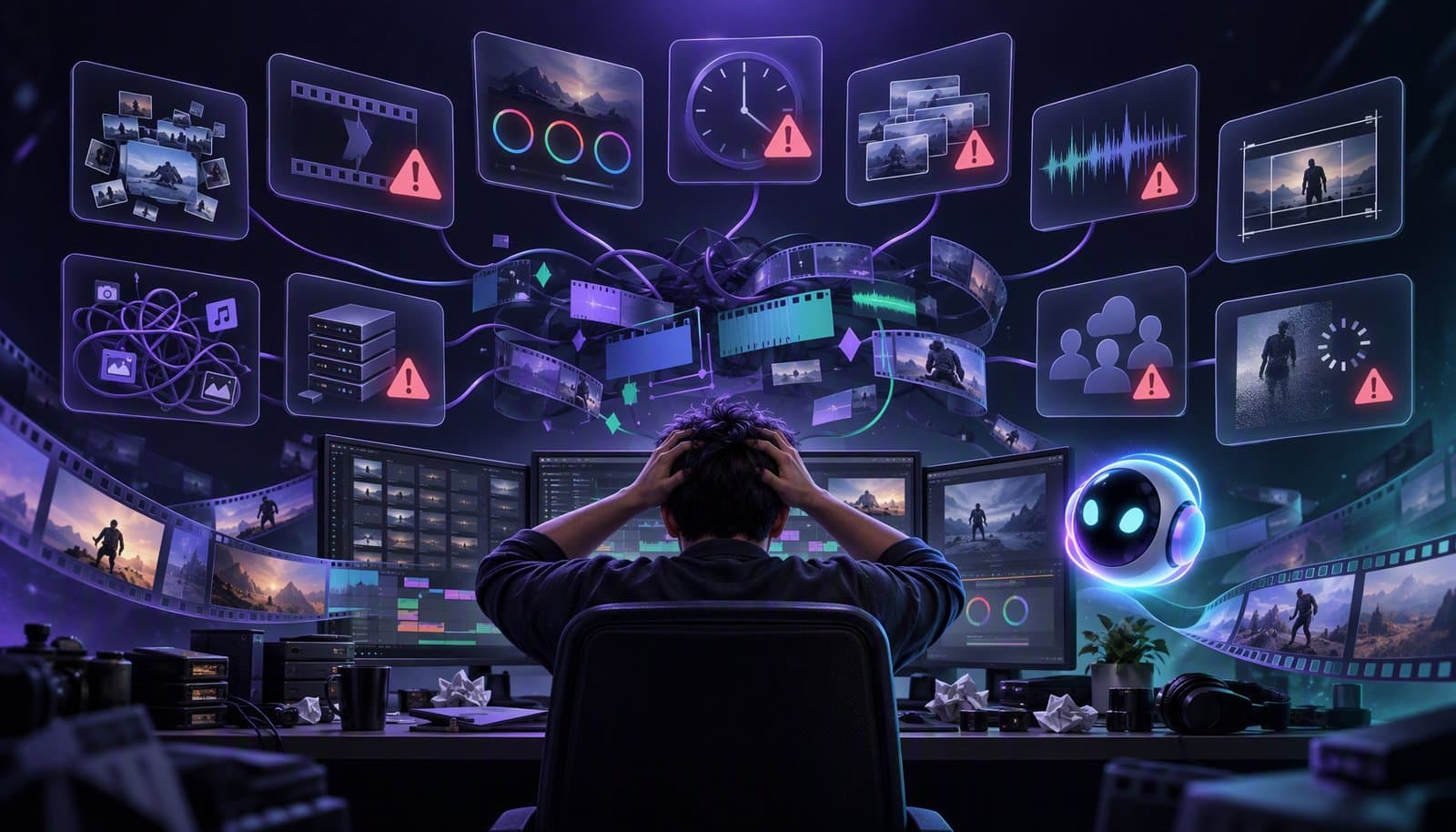
The biggest video editing pain points are communication chaos, technical headaches, time drain, creative friction, bad input, feedback fatigue, budget squeezes, deadline pressure, A/V errors, and a steep learning curve. Most come back to the same root: too much manual, repetitive work. AI and agentic editing help by taking over the mechanical steps so editors can focus on judgment.
After talking to about 100 professional and aspiring video editors, we uncovered the real pain points behind the edit bay. The same complaints came up whether someone was cutting client work, YouTube videos, or their first vlog.
Here are the top 10 challenges, what makes each one hurt, and what actually helps.
What are the biggest pain points in video editing workflows?
The ten pain points below fall into three groups: people problems (briefs, feedback, client expectations), resource problems (time, budget, deadlines), and craft problems (bad footage, A/V errors, learning curve). AI won't fix a vague brief, but it can take the repetitive work off your plate, which eases most of the rest.
| Pain point | Why it hurts | How AI/agentic editing helps | Relevant guide |
|---|---|---|---|
| 1. Communication chaos | Vague briefs and scattered notes lead to rework | Transcript-based review lets notes point at exact lines; quick alternate cuts | The video editing process |
| 2. Technical headaches | Crashes, lag, and codec issues eat hours | Browser-based editors skip installs; proxies keep heavy footage responsive | Proxy editing explained |
| 3. Time drain | Hours go to scrubbing for silences, filler words, and caption timing | Automatic silence and filler-word removal and auto captions | Remove silence without choppy cuts |
| 4. Creative friction | Your vision and the client's pull in different directions | Fast rough cuts let you show options instead of debating one | What is a rough cut? |
| 5. Bad input = bad output | Noisy audio and weak footage limit the final edit | AI cleanup fixes some audio problems, but it can't add a missing shot | Noise reduction vs voice enhancement |
| 6. Feedback fatigue | Every "one more version" costs another full pass | A new version starts from a changed instruction, not a rebuilt timeline | Natural language editing |
| 7. Budget squeezes | More output is expected from the same team | One instruction applied to many videos at once | Batch video editing with AI |
| 8. Deadline pressure | Clips and cutdowns get skipped when time runs out | AI clipping and reframing turn one recording into vertical clips | Repurpose long-form video with AI |
| 9. A/V errors | Tired eyes miss flash frames, sync drift, and color slips | Automated steps run the same way every time; a checklist catches the rest | Pre-publish checklist |
| 10. Steep learning curve | Pro tools take a long time to learn before you can ship anything | Describe the edit in plain English, then refine it on a timeline | AI video editing for beginners |
1. Communication Chaos
Vague briefs, unclear feedback, and endless revision loops.
"Make it pop" isn't a brief. Neither is a voice note with timestamps that stopped matching three cuts ago. What helps: agree on the stages up front (assembly, rough cut, fine cut, lock) and give notes against a transcript, so feedback points at exact words instead of guesses. Our guide to the video editing process lays out the stages.
2. Technical Headaches
Crashes, lag, and compatibility nightmares.
Long, high-resolution timelines push laptops hard, and every codec mismatch can cost an afternoon. What helps: proxy editing for heavy footage, and browser-based editors that skip the install-and-update cycle. Loopdesk, our product, runs entirely in the browser.
3. Time Drain
Editing is still way too manual and time-consuming.
Most of those hours go to mechanical work: scrubbing for silences, cutting filler words, timing captions. That's the part AI handles well. Start with removing silence without choppy cuts and auto captions, then spend the time you get back on story and pacing.
4. Creative Friction
Balancing your vision vs. what the client wants.
At its core this isn't a software problem. But when a rough cut takes minutes instead of a day, you can show the client two directions and let them pick, instead of arguing over one.
5. Bad Input = Bad Output
Poor footage, noisy audio, missing assets.
AI can rescue some of it. Noise reduction and voice enhancement can clean up background noise and thin-sounding voices. But no tool can invent the shot nobody filmed. A short capture checklist before recording usually saves more time than fixing problems afterward.
6. Feedback Fatigue
"Can we try one more version?" (again).
Every extra round costs as much manual effort as the first one. What helps: an agreed picture lock point, and tools where a new version is a changed instruction rather than a rebuilt timeline. With natural language editing, "try it 20 seconds shorter" becomes a prompt, not an afternoon.
7. Budget Squeezes
High expectations, low resources.
When the budget doesn't grow, output per editor has to. Batch editing, where one instruction is applied to many videos at once, is the main lever for teams that publish the same format every week.
8. Deadline Pressure
Less time, more content, no room to breathe.
The main video ships. The vertical clips don't, because they're a second full edit. AI clipping and reframing turn one long recording into Shorts, Reels, and TikToks without starting over. See how to repurpose long-form video with AI.
9. A/V Errors
Flash frames, desynced audio, color mishaps.
These are the mistakes that slip through when you're tired and rushing. Automated steps apply the same settings every time, which removes some manual slip-ups, but a human QC pass still matters. Our pre-publish checklist covers the checks worth running before every upload.
10. Steep Learning Curve
Especially brutal for beginners.
Traditional editors expect you to learn the timeline, keyframes, and export settings before you make anything. Prompt-driven editors let beginners describe the result first and learn the craft by reviewing what the AI did. Our beginner's guide to AI video editing is a good place to start.
Podcasters' Video Editing Pain Points
Podcasters feel these ten in a specific, repeating shape, because every episode is the same long recording with the same problems. When we later spoke to 250 podcasters, these five came up again and again:
- The hour-long timeline. A long episode means hours of scrubbing for silences, filler words, and tangents before the real edit even starts. Time Drain (#3) at its purest.
- Multicam switching by hand. Two or three camera angles plus a screen share, cut angle-by-angle to whoever is speaking. Tedious, and the first thing to get skipped when a deadline hits.
- Clips as an afterthought. The episode ships, and the vertical clips for Shorts, Reels, and TikTok never get made because they are a second full edit. Deadline Pressure (#8) meets Budget Squeezes (#7).
- Captions and consistency. Every episode needs captions in the same style, every clip needs them repositioned for 9:16, and any drift looks amateur. Repetition is where A/V Errors (#9) creep in.
- The tool sprawl. A recorder, an editor, a clipping tool, a caption tool, a scheduler - each with its own export and re-upload. Technical Headaches (#2), multiplied by five.
The study put numbers on part of this. In the manual workflow it describes, a batch took 8-12 hours to produce 3-5 clips. Creators making hybrid-language content reported spending 40% more time on post-production than monolingual creators, almost entirely on manual caption correction and context-aware clip selection.
The common thread is that podcast editing is repetitive, which is exactly the property AI is good at. An agentic editor takes the episode from one instruction - remove silences and filler words, switch cameras by speaker, caption it, cut the five strongest moments vertical - and then runs the same instruction on next week's episode. We cover the shift in why podcasters are switching to AI video editors and the tooling in best AI clipping tools.
The Takeaway
Editors don't need more features.
They need smarter workflows, better collaboration, and tools that actually reduce friction.
Full disclosure: Loopdesk is our product, so we have a stake in this. But the test works for any tool you're considering. Does it remove a pain point on this list, or does it add a new one?
Frequently Asked Questions
What is the biggest pain point in video editing?
There isn't a single winner, but time drain makes the others worse. When editing is slow and manual, deadlines, budgets, and feedback rounds all hurt more. Most of that time goes to mechanical work like scrubbing for silences, cutting filler words, and timing captions.
How can AI reduce video editing time?
AI takes over the repetitive steps: silence and filler-word removal, captions, multicam switching, reframing to vertical, and picking highlight clips. Agentic editors run those steps from one instruction, and you review the result instead of building it by hand.
Why do video editors struggle with client feedback?
Briefs are often vague, notes arrive without exact timestamps, and there's no agreed point where the cut is final. Clear stages, feedback tied to a transcript, and a picture lock date cut down the "one more version" loop.
What are the most common A/V errors in video editing?
Flash frames, audio that drifts out of sync, color that doesn't match between shots, clipped or uneven audio levels, and caption typos. A short QC checklist before export helps catch them, whether the edit was done by hand or with AI.
What video editing pain points do podcasters face?
Long timelines full of silences, switching multicam angles by hand, clips that never get made, keeping captions consistent, and juggling too many tools. Each one is repetitive, which is why AI and agentic editing fit podcast workflows well.