
Why Podcasters Are Switching to AI Video Editors
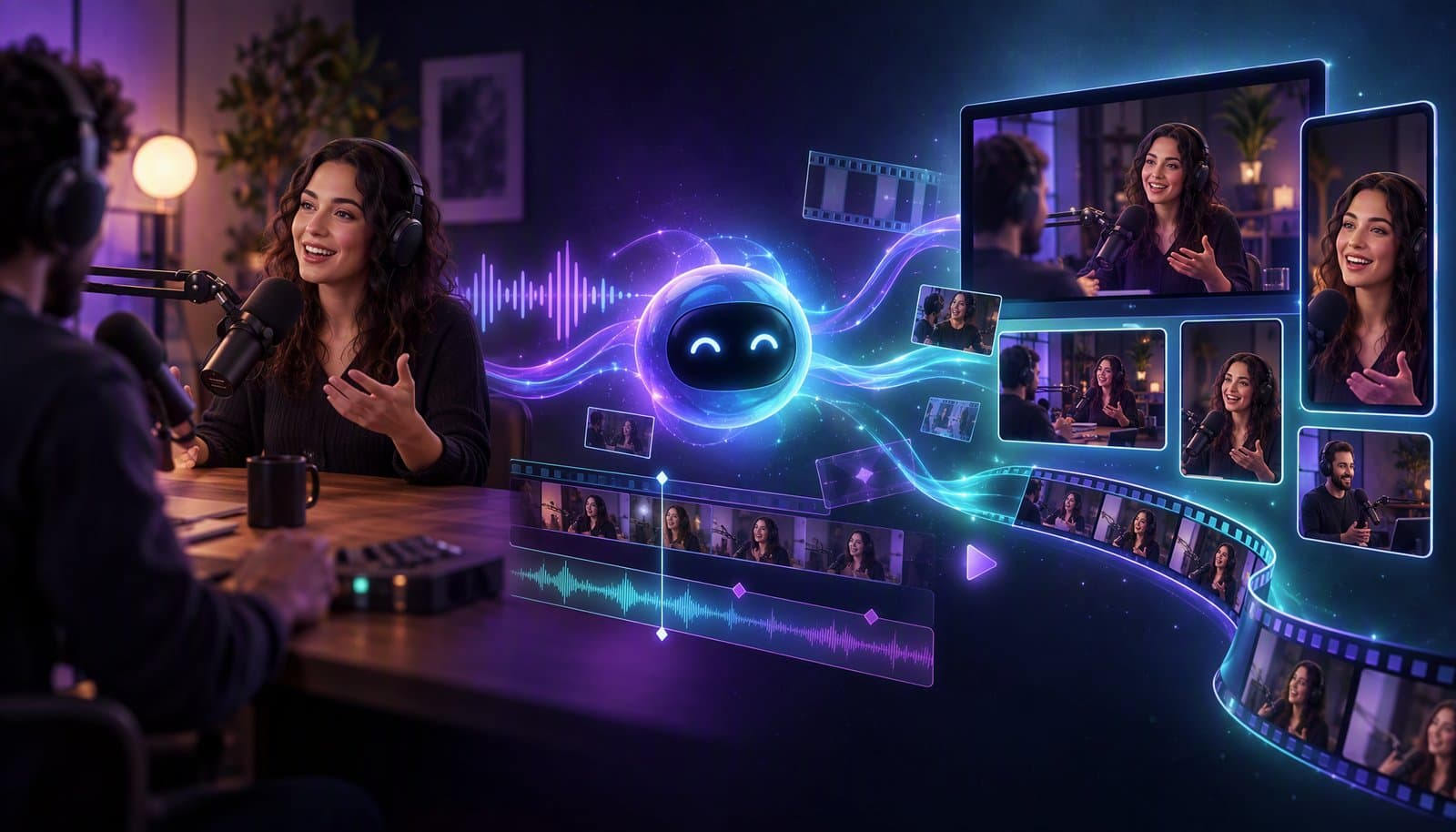
The podcasting industry has exploded. There are over 4 million active podcasts worldwide, and the most successful ones aren't just audio anymore — they're full video productions distributed across YouTube, Spotify, TikTok, Instagram, and every short-form platform imaginable. The problem? The editing demands of a video podcast are 5–10x greater than audio-only, and most podcasters are drowning in post-production.
That's why a growing wave of podcasters — from solo hosts to major networks — are abandoning traditional video editors and switching to AI-powered tools like Loopdesk. Here's why the shift is happening, and why it's accelerating.
The Video Podcast Boom
Let's start with the context. Video podcasting isn't a trend — it's the new standard:
- YouTube is now the #1 podcast platform in the US, surpassing Spotify and Apple Podcasts for discovery
- Spotify invested heavily in video, making video podcasts a first-class feature
- Short-form clips from podcasts are among the most viral content on TikTok, Reels, and Shorts
- Audiences increasingly expect video — they want to see facial expressions, reactions, and body language
The data is clear: podcasters who add video grow their audience faster, earn more revenue, and build stronger connections with listeners. But video comes with a massive hidden cost: editing time.
The Podcast Editing Bottleneck
Here's what editing a typical 60-minute, two-person video podcast looks like with traditional tools:
The Manual Workflow (6–10 Hours)
- Import and sync multi-camera footage and separate audio (20 min)
- Watch the entire episode to identify edit points (60 min)
- Remove silences and dead air — manually finding and cutting every gap (60–90 min)
- Remove filler words — "um," "uh," "like," "you know" — one by one (30–60 min)
- Multi-camera switching — cutting between speaker angles manually (60–90 min)
- Add intro/outro and transitions (15–20 min)
- Generate and style captions — transcribe, format, time, and position (60–90 min)
- Create highlight clips — find best moments, extract, reformat to vertical (90–120 min)
- Export full episode for YouTube + clips for TikTok, Reels, Shorts (20–30 min)
Total: 6–10 hours of hands-on editing for a single episode.
For a weekly podcast, that's 300–500 hours per year spent on editing alone. Most solo podcasters can't sustain this. Most small teams struggle with it. Even well-funded shows find it expensive — a dedicated video editor costs $2,000–$5,000/month.
The Specific Pain Points
Podcasters face unique editing challenges that generic video editors weren't designed to solve:
- Multi-speaker management: Knowing who's talking at any moment and switching camera angles accordingly
- Conversational pacing: Preserving natural conversational rhythm while removing dead air — too aggressive, and it sounds choppy; too light, and it drags
- Long-form duration: 30–120 minute recordings that require sustained attention to edit end-to-end
- Repetitive structure: Most podcast episodes follow similar patterns, but editors make you rebuild the workflow from scratch every time
- Short-form extraction: Finding the 5–10 viral-worthy moments in an hour of conversation is genuinely difficult and highly subjective
- Caption accuracy: Conversational speech with overlapping speakers, slang, technical terms, and varied accents is hard to transcribe accurately
These aren't edge cases. They're the core workflow for every video podcaster, every single week.
How AI Solves Every Podcast Editing Pain Point
AI-powered editors like Loopdesk were practically designed for the podcast use case. Here's how each pain point gets addressed:
Multi-Speaker Detection and Camera Switching
Loopdesk's AI automatically detects individual speakers in your recording and assigns them distinct visual treatments. For multi-camera setups, the AI switches between angles based on who's speaking — no manual multicam editing required.
For single-camera recordings, the AI creates dynamic layouts: speaker spotlights, split-screen views, picture-in-picture, or zoomed close-ups that add visual variety without requiring multiple cameras. (Comparing tools on this specifically? See which editors actually do automatic multicam.)
Time saved: 60–90 minutes per episode.
Intelligent Silence and Filler Word Removal
This is the single biggest time-saver for podcasters. Loopdesk scans the entire audio track and removes:
- Dead air and silences (with configurable thresholds — e.g., "remove silences longer than 1.5 seconds")
- Filler words: "um," "uh," "like," "you know," "basically," "actually," "sort of"
- Crutch phrases and verbal tics
The key is that the AI preserves natural conversational rhythm. It doesn't just chop every silence — it understands pacing and leaves enough breath room for the conversation to feel human. A prompt like "Remove all silences but keep pauses under 1 second for natural pacing" gives you precise control.
Time saved: 90–150 minutes per episode.
Automatic First Cut in Seconds
Upload your raw recording to Loopdesk, and within seconds you have a polished first cut. The AI has:
- Trimmed all silences and filler words
- Detected and labeled speakers
- Applied appropriate camera switching
- Smoothed jump cuts
- Populated your timeline automatically
What would take 2–3 hours manually happens before you even type your first prompt.
Time saved: 2–3 hours per episode.
Captions in 108 Languages
Loopdesk's auto-generated captions are specifically trained on conversational speech patterns — the kind of casual, overlapping, accent-varied speech that dominates podcasts. Features include:
- Highly accurate transcription tuned for conversational speech
- Speaker attribution — captions show who's saying what
- 108 languages for international audiences
- Customizable styles — bold, animated, word-by-word highlight, and more
- Burned-in or sidecar — choose whether to embed captions or export separate files
For podcasters targeting international audiences, multilingual captions are a growth multiplier.
Time saved: 60–90 minutes per episode.
AI Highlight Clip Extraction
Finding the most engaging moments in an hour of conversation is one of the most subjective and time-consuming parts of podcast editing. Loopdesk's AI analyzes:
- Emotional peaks: Moments of laughter, surprise, passion, or insight
- Quotable statements: Sound bites that stand alone as compelling clips
- Narrative completeness: Segments that tell a complete mini-story
- Engagement signals: Changes in energy, pace, and tone that signal high-interest moments
The AI surfaces the top 5–10 moments, automatically extracts them as clips, reformats them to 9:16 vertical, adds captions, and exports them ready for TikTok, YouTube Shorts, and Instagram Reels.
Time saved: 90–120 minutes per episode.
One-Click Multi-Platform Export
Export your full episode in 4K for YouTube, vertical clips for TikTok and Reels, square clips for LinkedIn, and audio-only for traditional podcast platforms — all from a single click. Every format is optimized for its destination platform.
Time saved: 20–30 minutes per episode.
The Total Time Savings
Let's add it up:
| Task | Traditional | With Loopdesk AI |
|---|---|---|
| Silence & filler removal | 90–150 min | Automatic (seconds) |
| Multi-speaker switching | 60–90 min | Automatic |
| First cut assembly | 120–180 min | Automatic (seconds) |
| Caption generation | 60–90 min | Automatic (seconds) |
| Highlight clip creation | 90–120 min | Automatic + prompts (2 min) |
| Multi-platform export | 20–30 min | 1-click (1 min) |
| Review and refinement | — | 10–15 min |
| Total | 6–10 hours | 15–20 minutes |
That's a 20–30x reduction in editing time. For a weekly podcast, this translates to:
- 300–500 hours saved per year
- $24,000–$60,000 saved vs. hiring a dedicated video editor
- 52+ additional episodes you could record with the reclaimed time
Real Podcaster Use Cases
The Solo Host
You record a weekly 30-minute episode by yourself. No editor, no team, no budget. With Loopdesk, your entire editing workflow — from raw recording to polished episode plus 5 short-form clips — takes 15 minutes. You publish on YouTube, TikTok, and Spotify the same day you record.
The Interview Show
You record 60-minute interviews with guests on Zoom. Two speakers, one recording. Loopdesk handles speaker detection, auto-switching between speakers, silence removal, captions, and highlight extraction. Your guest gets polished clips to share on their own channels — expanding your reach with zero extra effort.
The Podcast Network
You manage 10+ shows producing weekly episodes. Loopdesk Agents let you define editing templates — caption styles, pacing preferences, intro/outro structure, export specifications — and apply them consistently across every show. Quality stays high. Brand stays consistent. Costs stay low.
The Podcast-to-Brand Pipeline
You use your podcast as a content engine for your business. Every episode becomes: a YouTube video, 5–10 short-form clips for social, an audiogram for Twitter/X, a blog post from the transcript, and quote cards for LinkedIn. Loopdesk automates the video editing piece — the most time-consuming part of the pipeline.
Why Not Just Use a Clip-Extraction Tool?
Some podcasters turn to highlight-only tools that extract clips from long-form content. These are useful, but they only solve one piece of the puzzle:
| Feature | Clip-Only Tools | Loopdesk |
|---|---|---|
| Extract highlights | ✅ | ✅ |
| Full episode editing | ❌ | ✅ |
| Silence & filler removal | ❌ | ✅ |
| Multi-speaker detection | ⚠️ Basic | ✅ Advanced |
| Auto camera switching | ❌ | ✅ |
| Captions (108 languages) | ⚠️ Limited | ✅ |
| Natural language editing | ❌ | ✅ |
| Generative AI (B-roll, music) | ❌ | ✅ |
| One-click multi-platform export | ⚠️ Limited | ✅ |
Loopdesk handles the entire podcast editing workflow — not just the clipping step. From raw recording to finished, multi-platform content, everything happens in one place.
The Browser Advantage for Podcasters
One detail that matters more than you might think: Loopdesk is 100% browser-based. For podcasters, this means:
- Edit from anywhere: Record in the studio, edit from your couch, review on your phone
- No expensive hardware: Your recording machine doesn't need to double as your editing workstation
- Instant collaboration: Send your editor, producer, or guest a link to review the cut — no file exports needed
- No software management: No downloads, updates, license keys, or compatibility issues
- Works on any device: Mac, Windows, Chromebook, or any device with a modern browser
Making the Switch
If you're a podcaster still editing manually — or paying someone else to — here's how to get started with AI editing:
- Sign up at app.loopdesk.ai/home and pick a plan
- Upload your latest episode — any format: MP4, MOV, WAV, MP3
- Watch the magic: AI analyzes your content, detects speakers, and generates a first cut in seconds
- Refine with prompts: "Add bold captions," "Create 5 TikTok clips," "Remove all filler words"
- Export everything: Full episode for YouTube + clips for every platform, one click
Your first episode will take about 15 minutes. By your third, you'll have it down to 10. If you want to compare the field before committing, our ranking of the best AI video editors for long videos covers podcasts, webinars, and streams head-to-head.
The Future of Podcast Editing Is Here
The podcasting landscape has evolved faster than the tools that serve it. Traditional video editors were built for filmmakers, not podcasters. They don't understand multi-speaker dynamics, conversational pacing, or the long-form-to-short-form distribution model that defines modern podcasting.
AI editors like Loopdesk were built specifically for this new reality. They understand your content, automate the tedious work, and give you back the time to do what you do best: have great conversations and tell great stories.
You record the conversation. AI handles the edit.
Frequently Asked Questions
Why are podcasters switching to AI video editors?
Manually editing a podcast episode — silence removal, speaker switching, captions, highlight clips, exports — takes 6–10 hours. AI editors like Loopdesk cut that to 15–20 minutes, a 20–30× reduction that saves a weekly show 300–500 hours per year.
How long does it take to edit a podcast episode with AI?
About 15–20 minutes end to end. The AI generates a first cut in seconds (silences and fillers removed, speakers detected, captions added), you refine with plain-English prompts, then export the full episode plus short clips in one click. Most podcasters are down to 10 minutes by their third episode.
Can AI handle multi-speaker podcast editing?
Yes. Loopdesk detects each speaker in the recording and switches camera angles automatically, following the conversation. Interview shows get speaker detection, silence removal, captions, and highlight extraction from a single Zoom recording — and guests get polished clips to share on their own channels.
Is an AI podcast editor better than a clip-extraction tool?
Clip-only tools solve one step: extracting highlights. A full AI editor like Loopdesk also handles episode editing, silence and filler removal, advanced multi-speaker detection, auto camera switching, captions in 108 languages, generative B-roll and music, and one-click multi-platform export.
Ready to transform your podcast editing workflow? Open Loopdesk — edit your first episode in 15 minutes, not 8 hours. No downloads, no watermarks, no editing experience required.